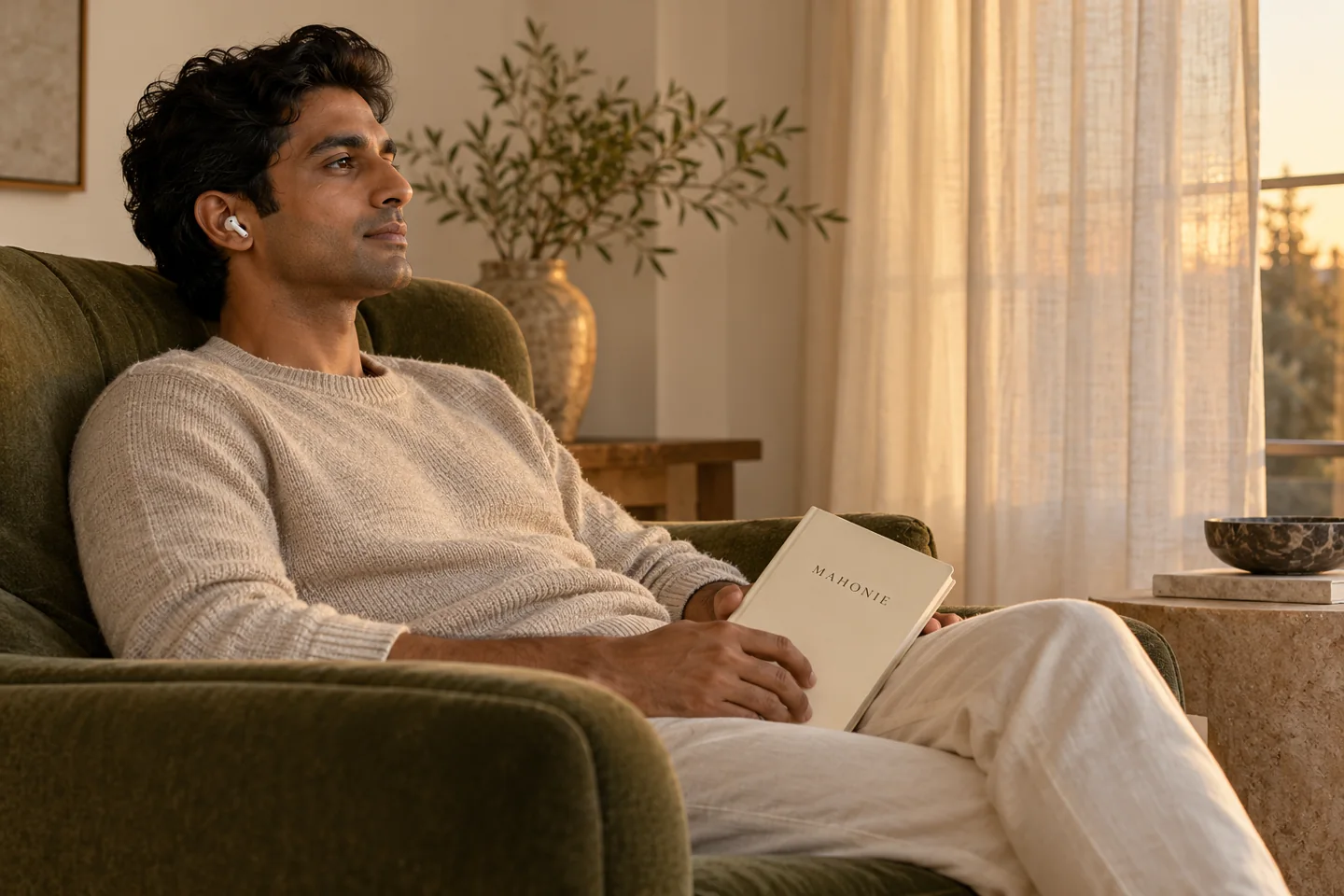
At a glance
Set meditation audio quietly enough to remain comfortable and hear your surroundings. Adjust voice pace and loudness separately; louder audio does not make a practice more effective.
Background sound should be optional and quiet enough that the instructions remain clear.
Start with silence
Play a guided lesson without a background first. Set the voice to a comfortable level. You should not need to strain to hear the words or turn the volume high to overcome a busy environment.
Add one texture
Choose rain, a designed nature texture, or a warm ambient bed. Keep its level well below the voice. If you stop following the instructions because of the sound, lower it or return to silence.
Build a modest mix
The standalone sound bath can layer up to three tracks. Start with one, add a second only if it improves the experience, and adjust each layer. More layers are not necessarily more useful.
Use a clear ending
Choose a five, ten or twenty minute timer. The mixer lowers its volume before stopping; Stop ends playback immediately. Sound settings are not presented as medical frequencies or a treatment for sleep.
General wellbeing guidance from Mahonie. Adapt or stop any practice when you prefer.
Set the voice before the ambience
Begin with the background sound off. Play a section of the narration and set it to a level where ordinary words are easy to follow without leaning towards the speaker. Add ambience only if you want it, raising it from a low level until it supports the setting without masking the voice. If you must turn the voice up again to compete with the background, reduce the background first. Two sounds at once do not make the practice more effective simply because the mix feels fuller.
Match playback to the room
Speakers can be a comfortable choice when the room is quiet and you want to remain aware of nearby sounds. Headphones may make speech clearer in a shared space, but they should feel comfortable and allow you to remove them easily. Check the device's own listening controls and use breaks during extended listening. A percentage on a volume slider is not a universal measure of sound exposure: devices, recordings and headphones differ. Never increase the volume to overpower a noisy environment when you could move somewhere quieter.
Troubleshoot before restarting
If the voice disappears, check the player volume, device mute setting, selected output and any connected Bluetooth device. If music is audible but speech is hard to understand, turn the ambience down rather than assuming the recording needs more volume. Slow playback slightly when the wording feels rushed, then listen to a complete sentence before adjusting again. Leave your preferred settings in place for the next session so you can begin with less effort. Stop listening if the sound feels uncomfortable; no meditation requires tolerating an unpleasant audio mix.
Remember the whole setup
When you find a clear mix, note the output device as well as the slider settings. Switching from a speaker to headphones can change the listening experience even when the player shows the same volume.
Voice pace and loudness solve different problems
If you hear every word but cannot follow an instruction before the next one arrives, adjust playback pace. If the words are difficult to hear, check voice volume and the output device. If you hear the music clearly but lose consonants in the voice, lower ambience. Changing all controls together makes it harder to understand which adjustment helped. On Mahonie, begin with the normal 0.85 playback default, listen to a complete sentence and then choose a comfortable pace. A slower speed is an option, not a measure of the quality of your meditation.
A one-minute sound check
Choose a passage with ordinary narration, not a silent gap. First play it with ambience off. Turn the voice down until it is too quiet, then bring it back only enough to understand speech comfortably. Add a small amount of background sound if desired, and listen to the whole sentence again. Make sure you can still notice relevant sounds in the room. Save the choice by leaving the controls in place and begin a short practice. Recheck when you switch between speakers, wired headphones and Bluetooth; the same slider position can sound different.
A practical troubleshooting order
Check whether another app or browser tab is producing sound. Confirm the selected output device and whether a Bluetooth connection has diverted playback. Check both the player and the system mute settings. If the recording has not started, make one deliberate tap on Play; browsers commonly require a user action before audio. If the network pauses, allow the player to load instead of pressing Play repeatedly. Finish with a short clear passage so you know the setup works before settling into the practice. No special frequency is necessary to make the guidance usable.
Frequently asked questions
Do I need headphones for meditation recordings?
No. A speaker at a comfortable level can be enough. Headphones may make a voice easier to hear in a suitable setting, but should not mask information you need for safety. Stop or lower the level if listening feels tiring or uncomfortable.
How should I balance voice and background sound?
Begin with the voice clear and the background low. Increase ambience only if it supports attention rather than hiding instructions. Test the mix before closing your eyes. You can use voice alone, sound alone or silence; a richer mix is not automatically more useful.
Is a special frequency necessary?
No specific frequency is required to practise attention. Treat claims of guaranteed healing, chakra repair or brain effects cautiously. Choose audio for comfort and clarity, and judge the experience by whether you can follow the exercise without strain.
Why can I hear ambience but not the meditation voice clearly?
The background may be masking speech. Lower ambience first, then check the narration level and selected output device. A Bluetooth connection, system mute setting or another app may also affect what you hear. Test a passage with ordinary speech before settling. Raising every control together can make the mix louder without making the words easier to understand.
About this guide
Mahonie Journal · Reviewed 24 October 2026. Practical editorial guidance. Follow the directions supplied with your product; choose practices that suit you. Product pairings are optional.
Further reading: WHO: safe listening.